 AI Host Assistant
Docs · Guide 6 of 14
Multicalendar, year view · “Booking window”
Booking window
The nights being booked right now. It turns your listing’s average booking lead time, a loose number on Airbnb’s performance dashboard, into a green band of a month of nights on your own calendar, counted from today.
- Where
- Your Airbnb multicalendar. The green band shows in the year view and in the month view; its switch, “Booking window”, sits in the year row of the year view.
- What it reads
- One figure: this listing’s average booking lead time over the last six months, from Airbnb’s performance dashboard, together with the date range that page prints.
- What it costs
- No AI call. One page of Airbnb’s performance dashboard, or two when the dates it prints are ambiguous, read on its own at most once every twelve hours per listing.
- What it changes on Airbnb
- Nothing. It tints the nights on your screen; prices, availability and selections stay exactly as Airbnb has them.
The problem
Airbnb tells you, in its performance dashboard, how many days ahead your guests usually book. It is an exact number, with decimals, on another page, and it does not tell you which nights to look at. To turn it into dates you have to count forward from today, do it again every day, and keep the result in mind while you change prices or open nights. Without that count, it is easy to spend your effort on nights whose window, on average, has already gone by, or on nights that still have time.
Where to find it
Open your calendar on Airbnb. There is nothing else to open: the Booking window comes switched on and shows up by itself. It is a green band on your own calendar that marks a month of nights: the ones guests are booking right now. In the year view, its switch, “Booking window”, is the first control in the year row, right after the year.
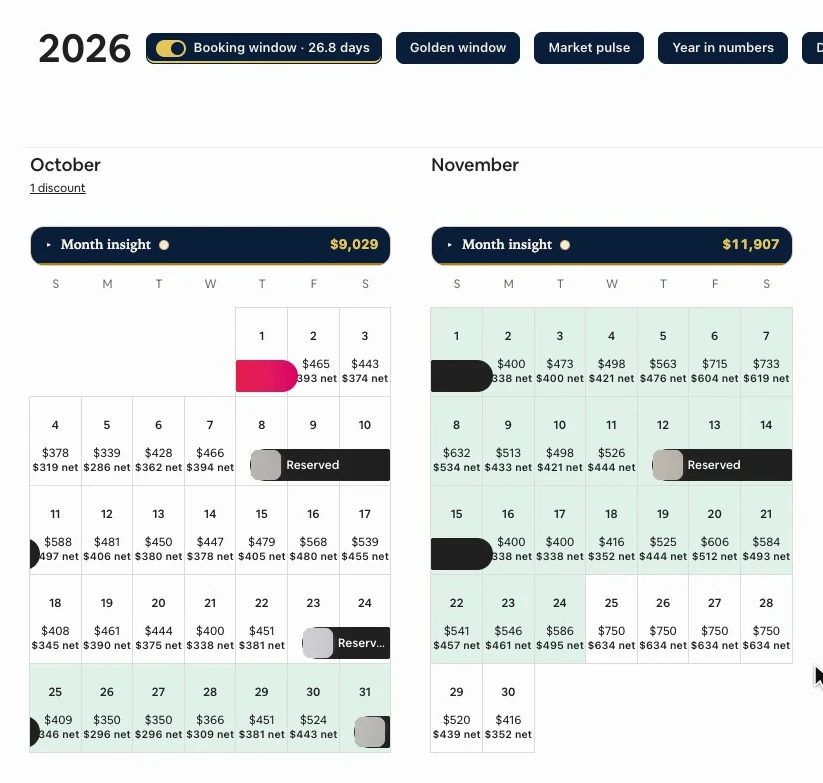
The button next to it, “Golden window”, is a different tool; more on it at the end.
The first reading
The first time you open the calendar, the switch spins. It is reading your average booking lead time from Airbnb’s performance dashboard, so you do not have to go there. It opens that page in an off-screen frame, takes the figure and removes the frame: it clicks nothing and writes nothing there.
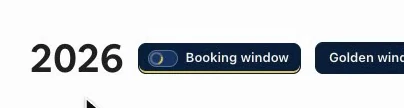
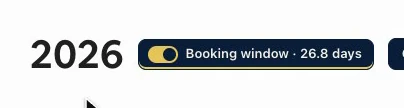
It takes a few seconds, and on its own it happens at most once every twelve hours per listing. The figure is kept in this browser, so the rest of the time, even after a reload, the band shows up right away. When the reading is done, the switch’s track turns gold and the label adds the figure, in days.
Where the figure comes from
That figure is this listing’s: the average over the bookings made in the last six months, just as Airbnb publishes it, decimal included. The extension asks the dashboard for this listing alone and for those six months, and then checks the date range the page prints. If the figure is from another period, it is not used.
Why six months? Because with a single listing only a few bookings fit in one month, and one unusual booking moves the average by several days. It is one figure per listing, and it does not change with the month you open.
Hover over the switch and its tooltip spells it all out: the average, which bookings it comes from, and the first and last nights of the band.
How the band is counted
Take today, add that figure rounded to the nearest whole day, and you land on the first night of the band: someone booking today usually checks in around then. From that night, the band runs thirty more days, a month of nights. And that “today” is the one on your clock, wherever you are.
Those are the nights being booked right now. The ones before, between today and the band, have already gone through their window: whoever was going to book them, on average, already has. The ones after still have time. Inside the band, changing a price or opening a night still makes a difference.
Up close, in the month view
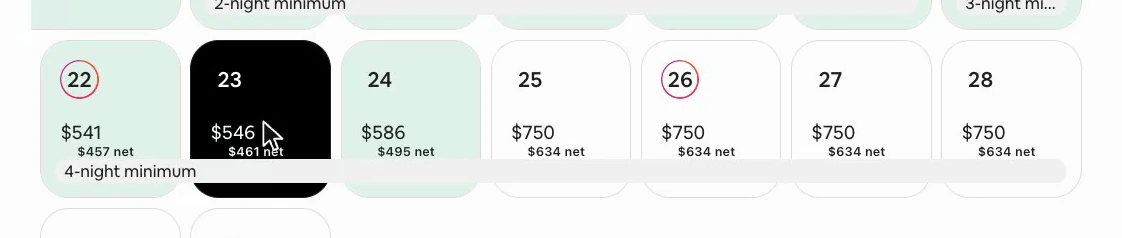
In the month view the band looks the same, only closer. The night before it is white; its first night is already green. The day number and the price read as always: the band tints the cell, it does not cover it. And it tints every night in the window, open, reserved or blocked; the ones that matter to you are the open ones.
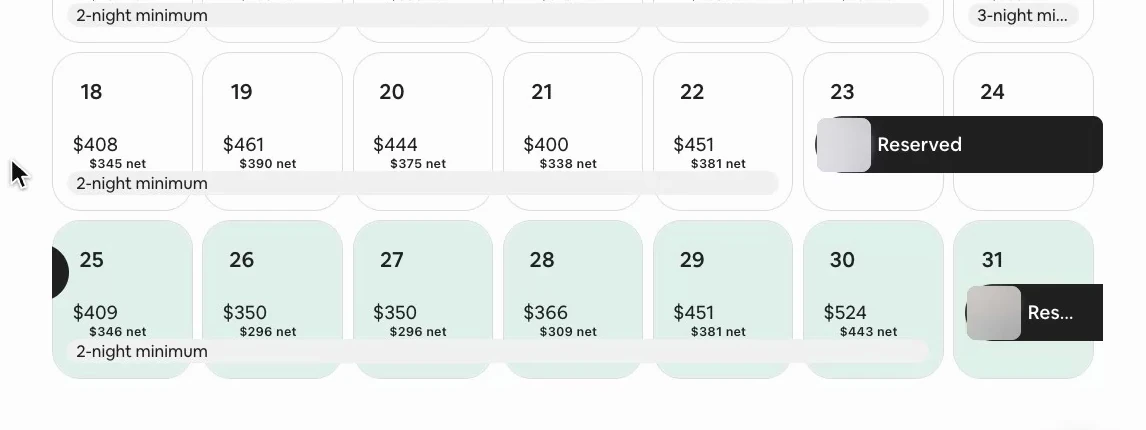
At the other end, the band’s last night is green and the next one is white again.
It stays out of your way
If you select a night inside the band, Airbnb marks it as always, just as dark. The green is a tint the extension lays inside each day, and a click on it is a click on the night.
Switching it off and on
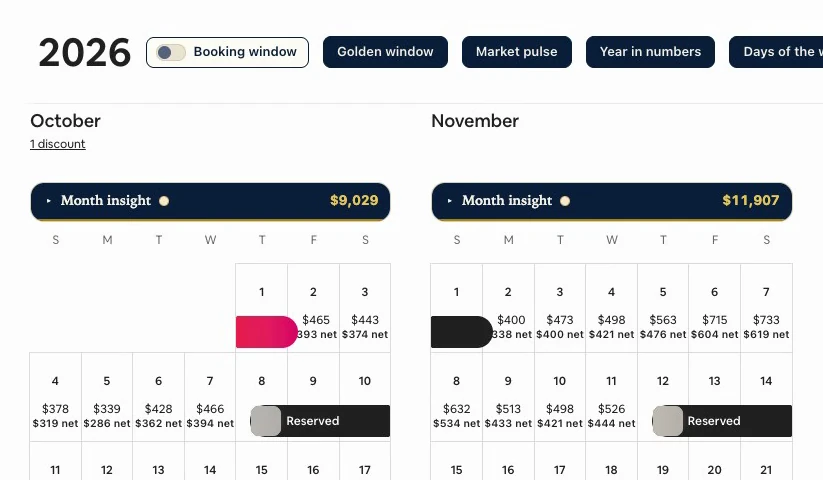
If one day you are looking at the calendar for something else, switch it off from the year row. The green goes away at once, and the band stays off until you switch it back on: the extension remembers your choice. While it is off, it reads nothing either. When you turn it back on, it comes back right away, with the same figure.
When there is no reading
If the reading does not come through, the switch says so: “Booking window · not read”, with its track in red, and no band is drawn. It is never replaced by the month’s figure or any other. In the video, it was cut off on purpose.

Click the switch and it tries again; in this state, clicking does not switch it off. A failed reading is remembered for twelve hours too, and during that time it is only retried when you click. When it comes through, the figure is back and, with it, the band.
Other lead times
The Booking window tells you which nights are being booked right now. Which lead time paid best for your nights over the last year is another question, and the Golden window, right next to it in the year row, answers it. And in Month insight, under the Demand tab, the “Booking lead time” tile shows yet another lead time: that of the bookings made that month. It is a different figure, and the band does not come from it.
The switch and its tooltip use the extension’s language, not Airbnb’s. Account and settings shows where to change it.
Why it works
It does the count for you every day and puts it where you make decisions: on the calendar, counted from your own today. It rests on a single figure, your listing’s, checked against the period it claims to cover. And it tints without covering, so the calendar works just as it always has.
Its limits
- It is an average: some guests will book with less notice and some with more. The band does not predict bookings or tell you what price to set; it tells you where to look first.
- The one-month width is our choice: the average says where the band starts, not how long it lasts.
- It is this listing’s lead time, not your market’s or your whole account’s.
- It is read only while your calendar is open, not in the background. And Airbnb’s dashboard closes its figures a day or two behind, so the six months end on the last day Airbnb has closed.
- If a reading fails, there is no band. Not even yesterday’s figure stands in for it.